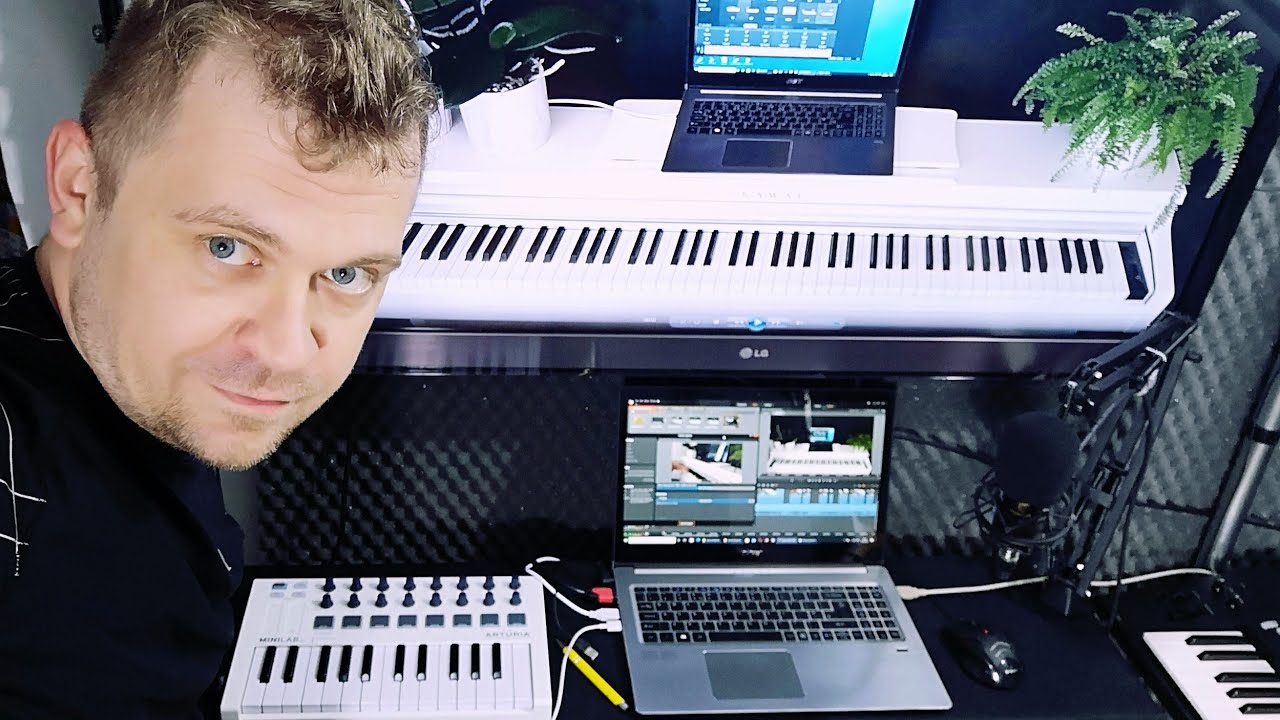
How to connect digital piano to software synth instrument
Full title: How to connect digital piano to software synth instrument - VST - Analog Lab Intro - Jupiter 8 demo
Want to play VST soft synths on your digital piano? In this tutorial, I’ll show you how to connect your Kawai KDP-110 (or any keyboard) to VST software like Arturia Analog Lab using a USB MIDI connection. By leveraging your PC's power, you can emulate legendary hardware synths like the Roland Jupiter 8. What you’ll learn: - How to use VST voices on your digital piano for extra sounds. - Why a full-size 88-key piano is often better than a micro MIDI controller. - How to configure ASIO drivers for low-latency performance. - How to expand your piano's sound palette using computer processing. If you need a tutorial for a specific DAW like Cubase, FL Studio, or Ableton, let me know in the comments! More Kawai KDP & MIDI content: Kawai Playlist: https://www.youtube.com/playlist?list=PLlMRSGuMikFqJO7ddLEC1acZgEXplhK85 MIDI Playlist: https://www.youtube.com/playlist?list=PLlMRSGuMikFqynKgmxH9OV1kC7R9UH2IT Keyboard Info: https://all4music.taplic.com/instruments/types/of-electronic-keyboards/
Questions this video answers
What cable do I need to connect a digital piano to a computer?
To connect your digital piano to a computer, you only need a usb printer cable. This cable has socket a from one side and socket b from the other side. It is the same cable used to connect to cubase and play with midi.
How do I select the keyboard in the software settings?
To select your keyboard in the software settings, first start Analog Lab Intro. Go to the menu and select audio midi settings. From there, you have to select your keyboard usb midi. This is how it is discovered by the operating system and from the drivers.
What driver is recommended for low latency?
The recommended driver for low latency is asia. This is a low latency driver from steinberg. You should select your keyboard usb midi so it is discovered by the operating system. This configuration ensures the output will be sent to computer speakers.
How can I use software instruments to extend my digital piano's possibilities?
You can use any other vsd instrument or software instrument to extend the possibilities of your keyboard or digital piano. This is a perfect solution for pianists who like the full-size keyboard. While cheap plastic mini keyboards are portable, this setup allows you to feel the music better. You can stand in front of the big digital piano to enjoy these extended possibilities.
This video is managed by its uploader
Is this your video?
This video is managed by its uploader. If you are the rightful owner, write to video@taplic.com and we will look into it.
Comments 0
Join the discussion. Create a free account or log in to comment and vote. It takes a few seconds, and it is free.