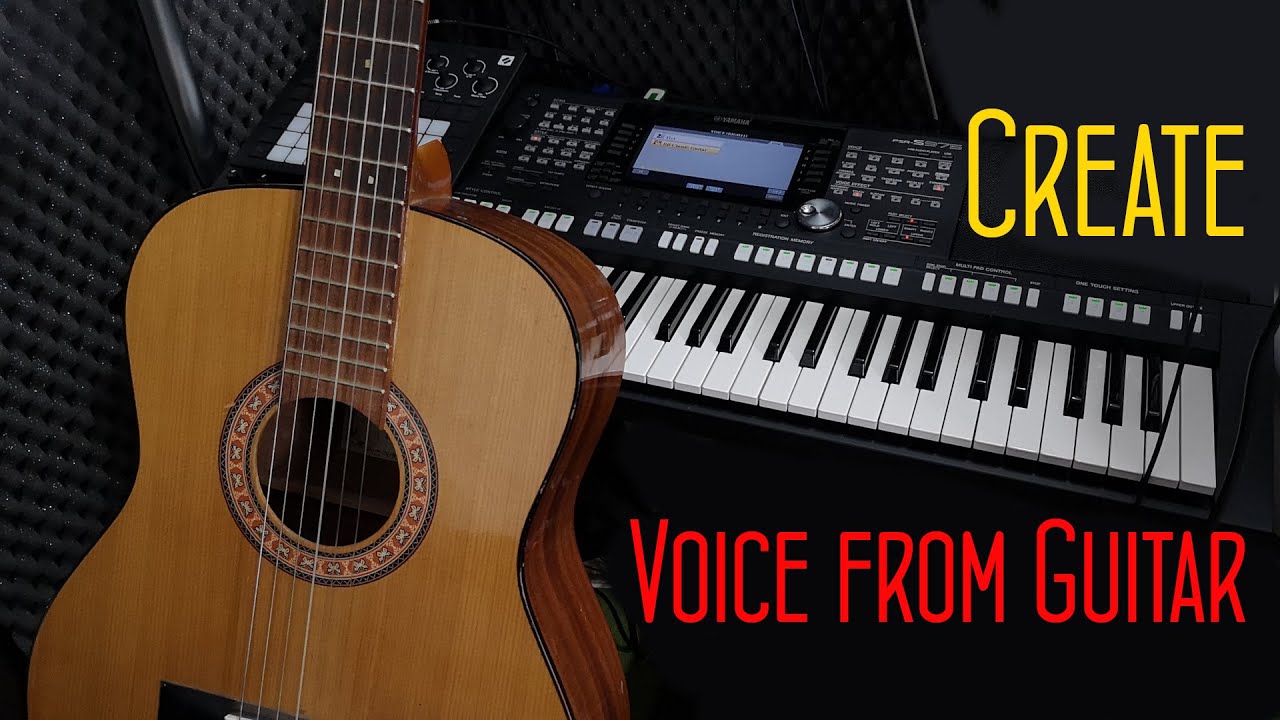
How to create own voice for Keyboard - YEM Tutorial
Learn how to record custom samples and turn them into playable voices for your Yamaha PSR S or PSR SX keyboard! This beginner-friendly tutorial covers the entire process using Yamaha hardware, the free Yamaha Expansion Manager (YEM) software, and Audacity for recording. We demonstrate how to capture live instruments - like vocals and acoustic guitar - and convert them into high-quality WAV files. You will learn how to: - Record and normalize audio in Audacity. - Create your own Expansion Pack in YEM. - Assign touch sensitivity and export your custom voices. - Install your custom pack onto your keyboard. Whether you want to sample a violin, trumpet, or beat-boxing, this guide has you covered! Download YEM: https://usa.yamaha.com/support/updates/yem_win.html More Yamaha & YEM tutorials: - PSR: https://www.youtube.com/playlist?list=PLlMRSGuMikFrleD0QayB77cXG7WjvBBco - YEM: https://www.youtube.com/playlist?list=PLlMRSGuMikFo5ZQ12LyaxhbKEjBsuJHUI Thanks for watching, BB Walker.
Questions this video answers
Log in to generate a FAQ for this video. It is free, and it keeps the bots out.
Is this your video? Claim it
Is this your video?
Claim this video to link the entry to your email address and stop it being shown as an anonymous addition.
Comments 0
Join the discussion. Create a free account or log in to comment and vote. It takes a few seconds, and it is free.