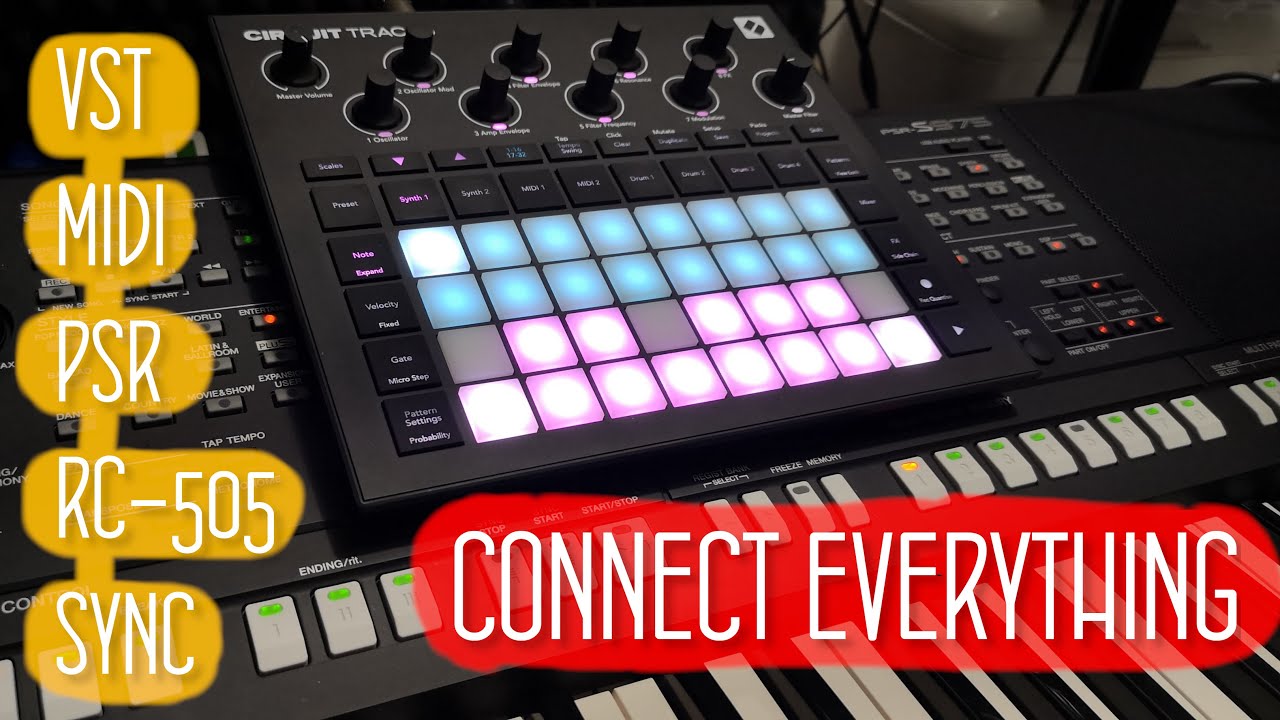
How to setup Circuit Tracks + VST synth + RC-505 + Yamaha PSR +
Full title: How to setup Circuit Tracks + VST synth + RC-505 + Yamaha PSR + Focusrite Scarlett
Setting up Novation Circuit Tracks with a VST synth, Boss RC-505, Yamaha PSR and Focusrite Scarlett This all-in-one mixing tutorial walks through my new rig that blends the Analog Lab software VST with hardware gear. After following it, you'll be able to perform on your preferred keyboard using sounds from a PC, loop them live, and sync everything with synths and drums from the Novation Circuit Tracks. The topics covered in detail are: - Synchronizing Novation Circuit Tracks and Boss RC-505 Looper via MIDI Clock - Using a Yamaha PSR keyboard as a MIDI controller for Analog Lab VST - Capturing loops from the Analog Lab synth into the Boss RC-505 - Connecting the Boss RC-505 Loop station to a Focusrite Scarlett 8i6 - Working with Focusrite Control Software alongside OSB Studio - Playing the VST software synth from the Yamaha PSR keyboard Presented by BB Walker, with thanks for reaching 8000 subscribers. Chapters: 0:00 Synth Loop on Yamaha 0:16 Intro 0:27 Thanks for 8000 subs 0:51 Setup hardware explained 2:16 Cables and connections 3:40 Analog Lab Setup with RC-505 and PSR 4:53 Boss RC-505 as Audio Interface 6:34 Recording Loop from VST on RC-505 9:28 Circuits Tracks Sync with Boss RC-505 11:25 Circuits Tracks and Focusrite Scarlett 12:28 Setup pros and cons 15:34 Summary & Thanks 16:08 Ending synth song
Questions this video answers
What instruments and hardware are used in this setup?
The setup combines a yamaha keyboard, groovy box, looper, and audio interface. It also includes the analog lab 5, which is an example of a software instrument. The mixing console of focusrite scarlet is used as the audio interface to record all these things. This setup allows you to use software that emulates instruments to give you really nice sound quality.
How do I synchronize the Novation Circuit Tracks with the looper?
To synchronize the Novation Circuit Tracks with the looper, connect the MIDI output for synchronizing clock from the RC-505 into the Novation Circuit Tracks. This setup allows the Circuit Tracks to start to play when you hit the play button on the looper. This is the synchronization between the devices.
How is the Yamaha keyboard used in this setup?
The Yamaha keyboard is used only as a MIDI keyboard in this setup. Its volume is set completely to zero. The MIDI output from the keyboard goes to the computer. Analog Lab 4 is configured to receive the MIDI signal from the Yamaha keyboard. The final rendered sound is then sent out to the RC-505.
How is the audio routed from the computer to the looper?
The generated rendered sound from the computer goes out to the RC-505 looper. This is possible because the looper has its own audio interface, which means there are two audio interfaces connected to the computer. Specifically, both the Focusrite and the looper are connected to the computer. The audio from the computer is received by the looper using a USB cable. This setup allows you to play sounds and record loops.
Why use a groovy box instead of standard Yamaha styles?
The speaker uses a groovy box because Yamaha styles can be too simple for modern music that features more electronics. They want to have more variation in the drums, and it can also be useful to use live played drums when using instruments like bass. In this setup, the innovation tracks is synchronized using MIDI clock with the looper acting as the master.
How do I synchronize the tempo between the looper and the groovy box?
You can synchronize the devices using MIDI clock where the looper is the master and the innovation tracks is the slave. The innovation tracks receives MIDI data, clock, and tempo from the looper. The tempo, such as 70 bpm, is set on the looper. When you hit play on the looper, the tempo is synchronized. This means you have the tempo directly from the looper.
What are the advantages of using this setup for VST plugins?
This setup allows you to play your favorite VST plugins on a hardware synth instead of using a computer or a MIDI keyboard. One major advantage is that you do not need a lot of computation power from your computer because you are only rendering one track at a time. You can record one track, switch presets, and then play another track to compose your song draft. This is ideal if you prefer playing on hardware devices and want to avoid struggling with computers.
This video is managed by its uploader
Is this your video?
This video is managed by its uploader. If you are the rightful owner, write to video@taplic.com and we will look into it.
Comments 0
Join the discussion. Create a free account or log in to comment and vote. It takes a few seconds, and it is free.