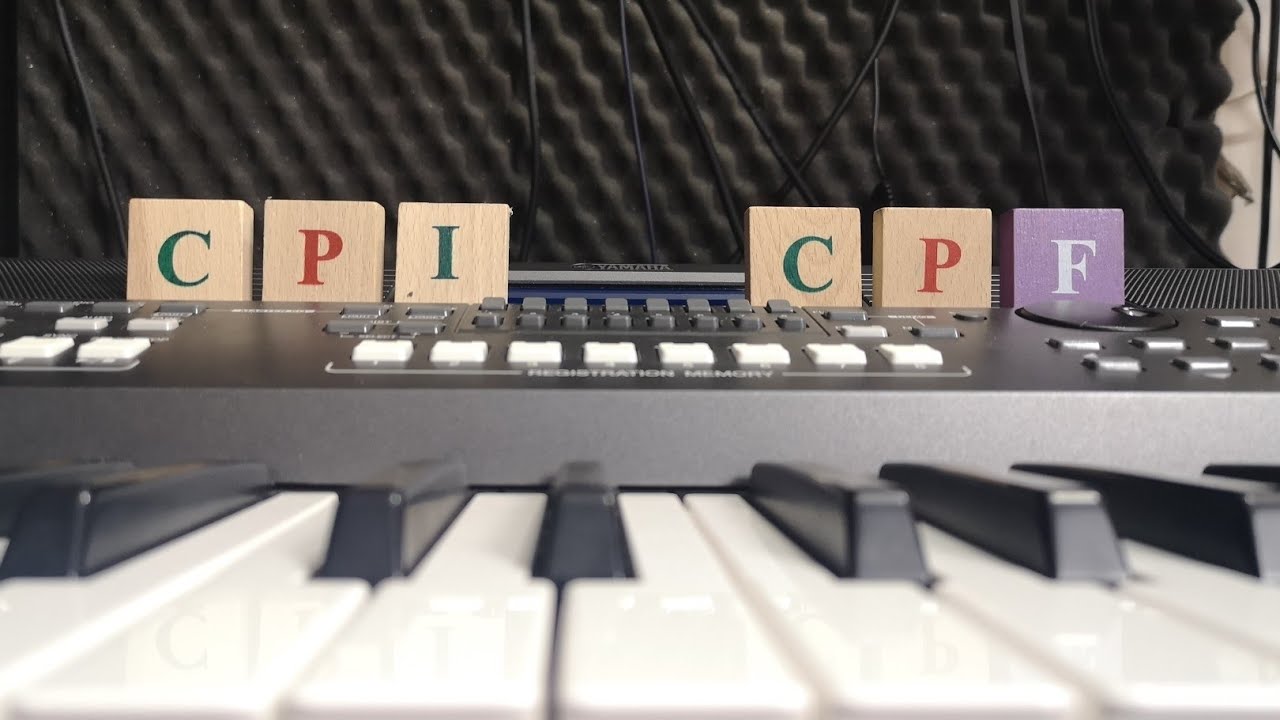
How to use Yamaha Expansion Manager - user expansion pack installation
Full title: How to use Yamaha Expansion Manager - user expansion pack installation - CPF to CPI conversion
Learn how to install and manage user expansion packs on your Yamaha keyboard using the free Yamaha Expansion Manager (YEM) software. This detailed tutorial is compatible with many Yamaha instruments, including the PSR-S, Genos, Tyros, Montage, Motif, and PSR-SX series. Key topics covered: - Installing expansion packs via USB. - Connecting your device to YEM. - Saving n27 files and converting CPF to CPI. - Using 'Install Target' and 'My Packs'. - Checking available user memory and Voice Wave Size. - Combining voices and styles from Diffract packs. - Finding various packs (Chinese, Euro Dance, Celtic, etc.). - Replacing expansion memory. Download YEM: https://usa.yamaha.com/support/updates/yem_win.html Free Expansion Packs: https://shop.usa.yamaha.com/en/downloadables/sound-expansion-library/voice-style-expansion-packs.html More Tutorials: https://www.youtube.com/playlist?list=PLlMRSGuMikFpoymWdJc5mLSFJlv3awEHO See you later! - BB Walker
Questions this video answers
Log in to generate a FAQ for this video. It is free, and it keeps the bots out.
Is this your video? Claim it
Is this your video?
Claim this video to link the entry to your email address and stop it being shown as an anonymous addition.
Comments 0
Join the discussion. Create a free account or log in to comment and vote. It takes a few seconds, and it is free.